 ReelQueue
Reels auto-publisher · free during early access
Schedule your Reels.
ReelQueue posts them for you.
Upload a video, write the caption and pick the time. ReelQueue publishes it to your Instagram professional account and shows you how it did.
You approve access on Meta's own screen and can remove it at any time.

Posting on time should not depend on you being free
Make your videos when it suits you, and let them go out when it suits your audience.
Film when it suits you
Prepare a week of Reels in one sitting and let them go out one by one.
Post when your audience is awake
Pick the hour that works for your followers, even if you are asleep or busy then.
Keep a steady rhythm
A queue you can see makes it easy to keep posting regularly instead of in bursts.
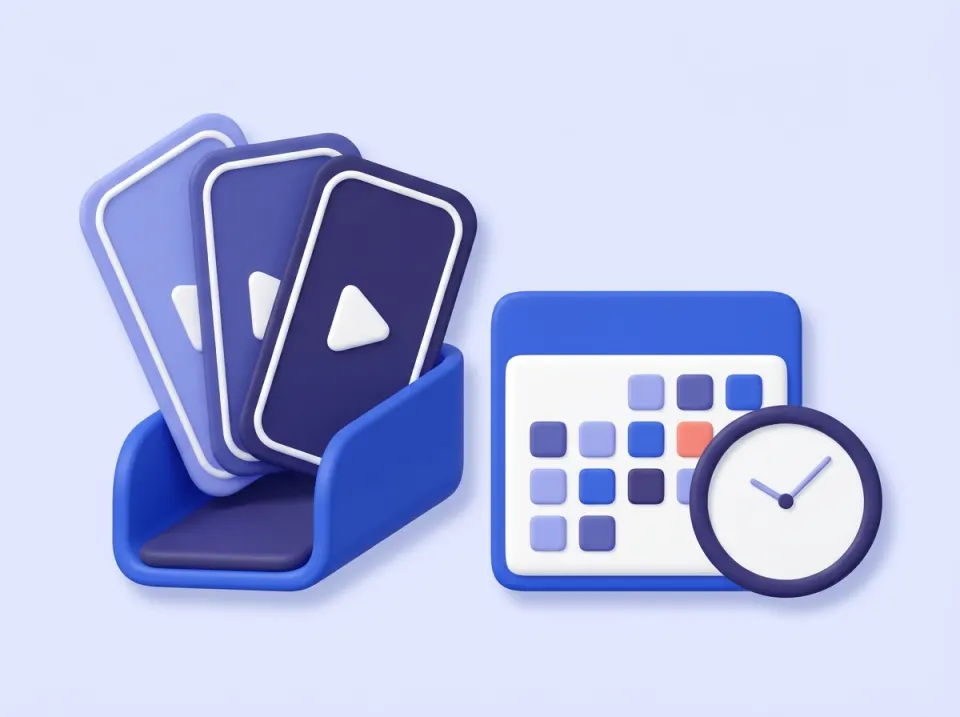
Your Reels, lined up and ready
Add a Reel once and it waits in your queue until its time comes.
- Upload an MP4 of up to 100 MB
- Write the caption next to it
- Choose the date and time, in UTC

See how each Reel did
Every Reel you publish through ReelQueue shows its numbers right in the queue, read from Instagram when you open it.

You stay in control
Access goes through Meta's login, and you decide how long we keep it.
- We never ask for your Instagram password
- Only what you scheduled gets published
- A video is deleted from ReelQueue after it is published
- "Delete my data" removes your token, videos and queue at once
Three steps to your first scheduled Reel
No software to install. It all happens in your browser.
Connect your account
Log in through Meta and approve access for your Instagram professional account.
Schedule a Reel
Upload an MP4, write the caption and choose the date and time.
It publishes itself
Your Reel goes out at that time, and you see its views, reach, likes and saves.
What you get
One job, done plainly: Reels, published on schedule, with the results next to them.
Automatic publishing
Reels go out through Instagram's official API at the time you chose. No phone, no reminders.
Results in one place
Views, reach, likes and saves next to every Reel you published.
Clear status
Every Reel shows whether it is scheduled, published or failed, with the reason.
Only what you schedule
Nothing goes out unless you added it to your queue and set its time.
Official API
We never ask for your Instagram password. Access goes through Meta's own login.
Delete in one click
"Delete my data" removes your access token, your videos and your queue at once.
Questions
Which accounts does it work with?
Instagram professional accounts, Business or Creator, that you own or are authorized to manage. Personal accounts cannot publish through Instagram's API. If you share several accounts at login, ReelQueue uses the first one.
Do you need my Instagram password?
No. You log in on Meta's own screen and approve access there. You can remove it at any time in your Instagram settings.
What can I schedule?
Reels, as MP4 files up to 100 MB, with a caption. Other formats are not available. ReelQueue does not check the file before upload, so use a vertical video that fits Instagram's rules for Reels.
Which time zone are the times in?
UTC. Convert your local time when you pick the time.
What if a Reel fails to publish?
It is marked as failed in your queue with the reason, so you can fix it and schedule it again.
How much does it cost?
ReelQueue is free during early access: $0.
Put your next Reel in the queue
Connect your account and schedule your first Reel today.
Start scheduling for free